Drawing text
There are 3 types of text drawing functions:
draw_text_*: for basic text drawing.draw_multiline_text_*: for properly drawing text with newlines in it.draw_wrapped_text_*: for drawing text with a max width, that wraps when it gets to the edge.
There are also equivalent functions for measuring the area text will take up when drawn. These shouldn’t be too slow as a cache is maintained internally.
There are functions for drawing text quickly, which only take the text and
position, and draw with the default monospaced font. You can use draw_text_ex
and draw_text_custom to specify the font used, text color, and more.
Fonts
Fonts can be loaded with
create_ttf_font.
SGE comes with JetBrains Mono as it’s
default font, and when the extra_fonts feature is enabled (by default), also 5
variants of the Inter typeface, for regular, bold,
italic, bold italic, and display. These are availible as the constants MONO,
SANS, SANS_BOLD, SANS_ITALIC, SANS_BOLD_ITALIC, and SANS_DISPLAY.
If you experience stuttering when drawing text, you can pre-populate the cache of letters.
#![allow(unused)]
fn main() {
font_ref.populate_font_cache(&Font::latin_character_list(), 24);
}
You can also specify the filtering methods of the font texture.
#![allow(unused)]
fn main() {
font.use_linear_filtering();
font.use_nearest_filtering();
}
Typeface
The Typeface struct groups fonts of the same typeface together so that they
can be used for things like rich text.
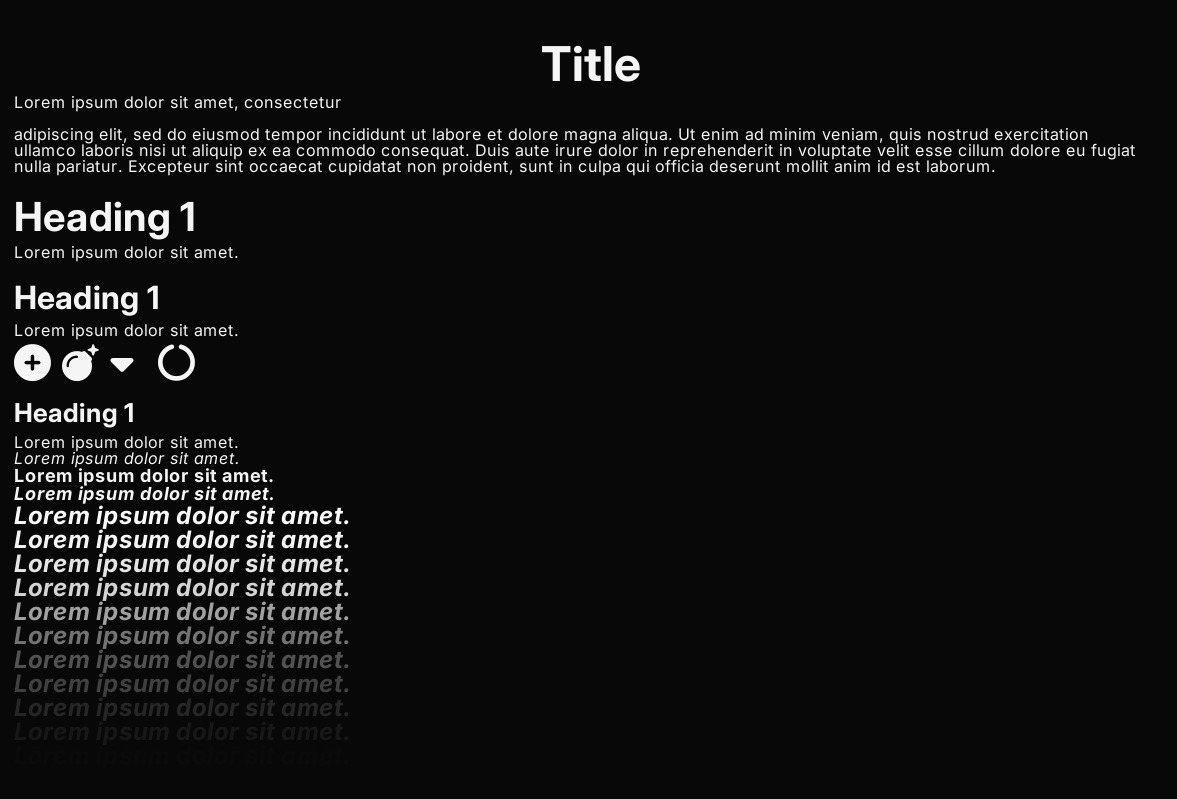
See:
/examples/text.rs
for an example
See: text module documentation for more detail.